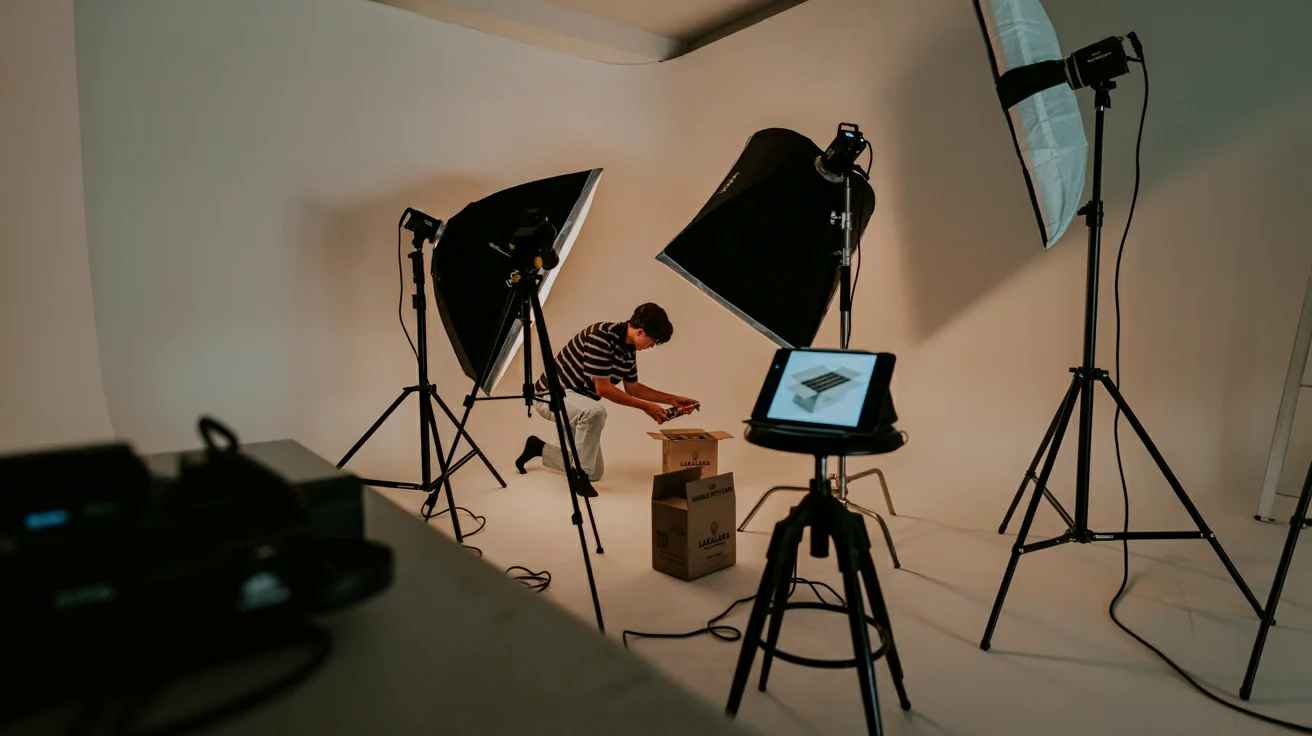
Treat the source image as product data
A clean reference is the foundation of every useful variation.
AI can accelerate background changes, cleanup, reframing, and concept exploration, but it should not become permission to alter the product. Begin with the highest-quality approved source available: sharp focus, even exposure, accurate color, visible edges, and enough resolution for the intended channels.
Photograph or collect multiple views when shape matters. Include front, back, side, top, packaging, texture, and scale references. For reflective, transparent, or flexible products, preserve examples showing how the material behaves. Keep the original files untouched and record the SKU, colorway, version, and rights status.
Define invariants before editing. These may include silhouette, dimensions, logo placement, label copy, material, color, included accessories, controls, and packaging quantity. An attractive image that changes an invariant is not a usable product image. Decide which outputs are factual catalog assets and which are clearly campaign concepts; they need different review standards.
Use a four-stage production workflow
Isolate first, improve carefully, create variants, then validate.
Remove or replace the background. Inspect fine edges at high zoom, especially hair-like fibers, translucent material, shadows, and reflective contours. Decide whether the original contact shadow should remain. A cutout that floats above the surface will look synthetic even against a realistic scene.
Retouch conservatively. Remove dust, temporary scratches, sensor spots, or backdrop artifacts when those changes do not misrepresent the item. Avoid erasing seams, texture, natural material variation, or functional details. Keep a before-and-after view available to the reviewer.
Build controlled variations. Generate backgrounds, props, crops, and aspect ratios around the approved product. Start with a simple studio setting before moving to lifestyle scenes. Use environmental cues that fit the audience and product scale. Avoid props that imply unsupported ingredients, compatibility, certification, or included items.
Expand and adapt. Extend canvas space for banners, marketplace ratios, or copy-safe areas. Ask for quiet negative space where text will be placed, but add actual promotional text in a design tool rather than relying on generated lettering. Recheck the product after every expansion because surrounding generation can alter edges and reflections.
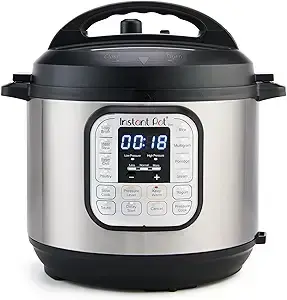
Stage 1 — Background removal (before/after)
Cutout quality should preserve product edges and natural grounding.
Background removal should preserve product contour, fine edges, and realistic contact with the surface. The output should not introduce halos, clipped contours, or a floating look.
Use this as a QA gate before moving into retouching or scene generation.


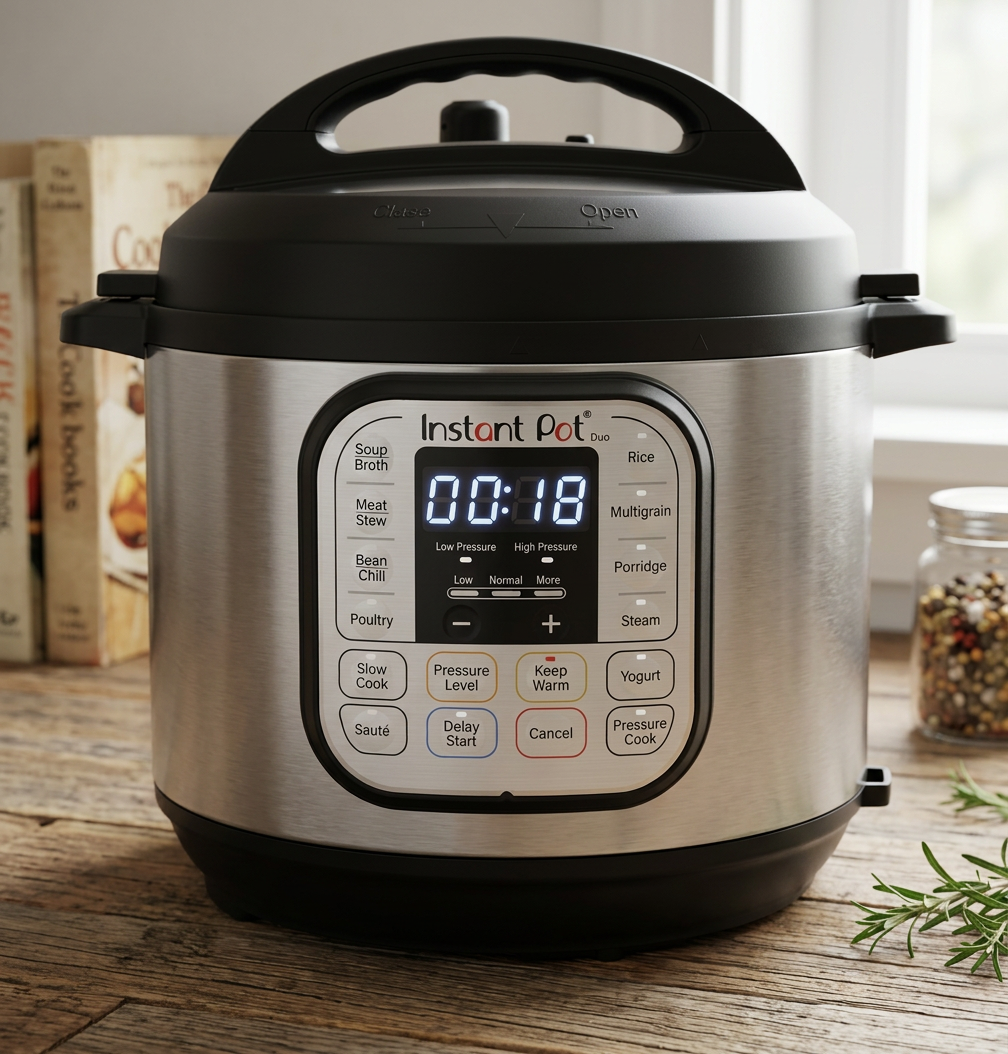
Stage 2 — Image retouch (before/after)
Retouch defects without changing product truth.
Retouching should remove temporary capture defects (dust, spots, unwanted artifacts) while preserving construction details, shape, material behavior, and label integrity.
If texture or structure changes, reject and revise.
Stage 3 — Image angles
One approved product. Four controlled views.
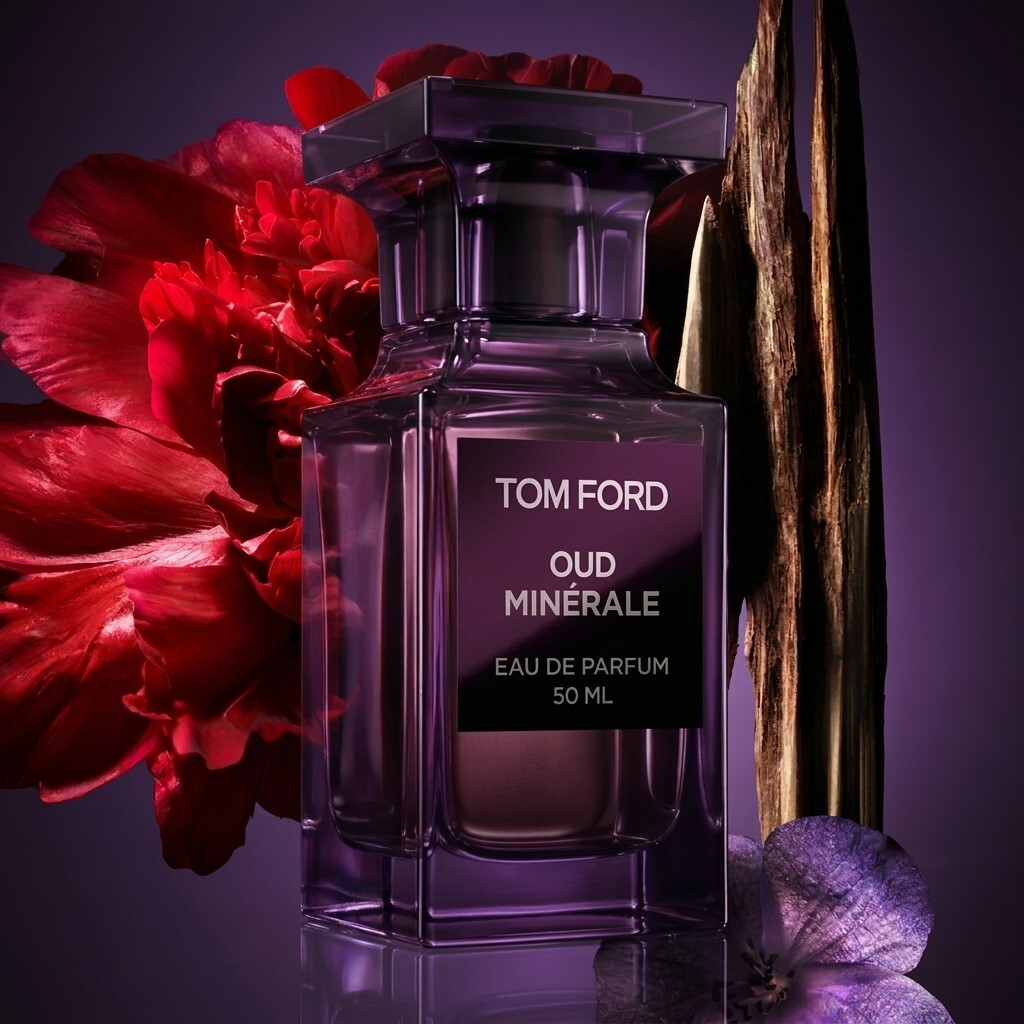
Start from a locked front reference, then generate only the angles you need for merchandising. Every variant must keep the same silhouette, label placement, proportions, and material behavior.
Use the gallery below as a review board: compare each output against the front reference before approving catalog or campaign use.
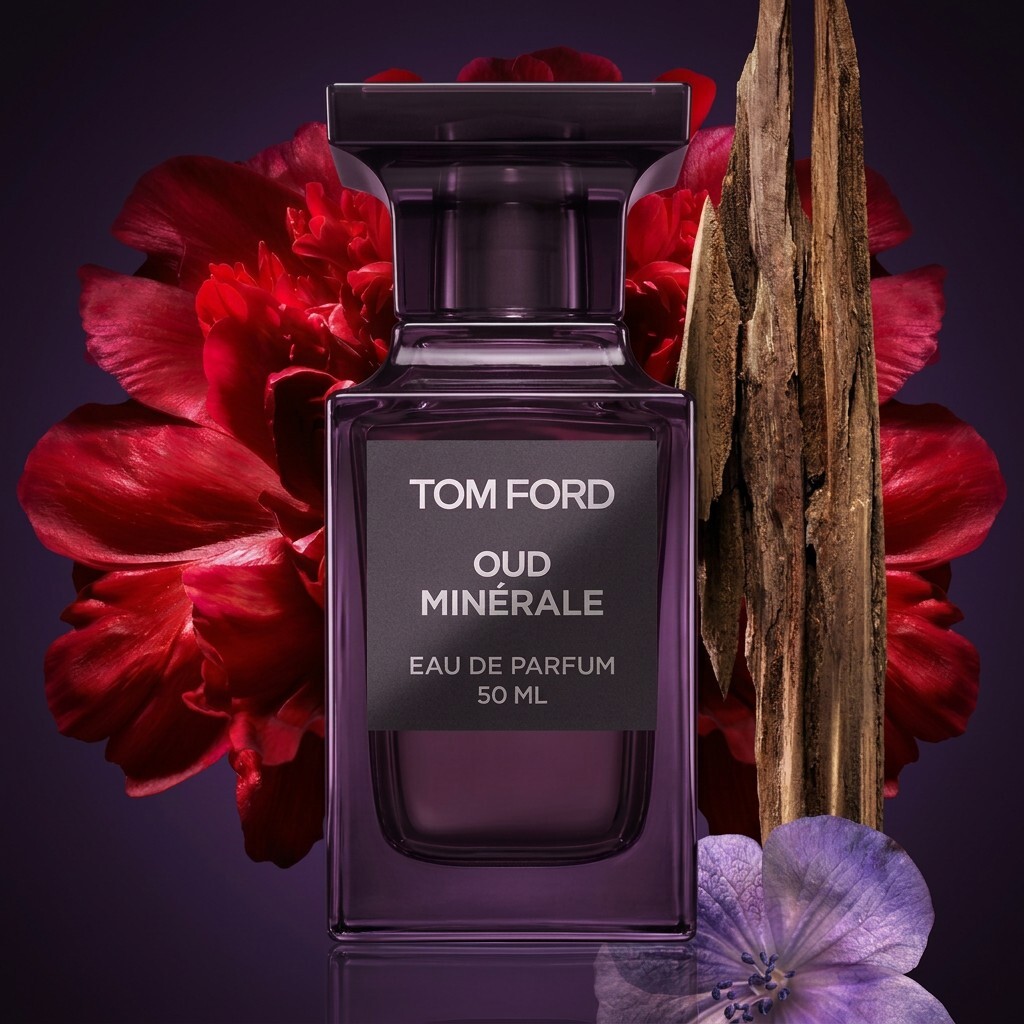
1 — Reference · Front view
2 — Variant · Left 3/4
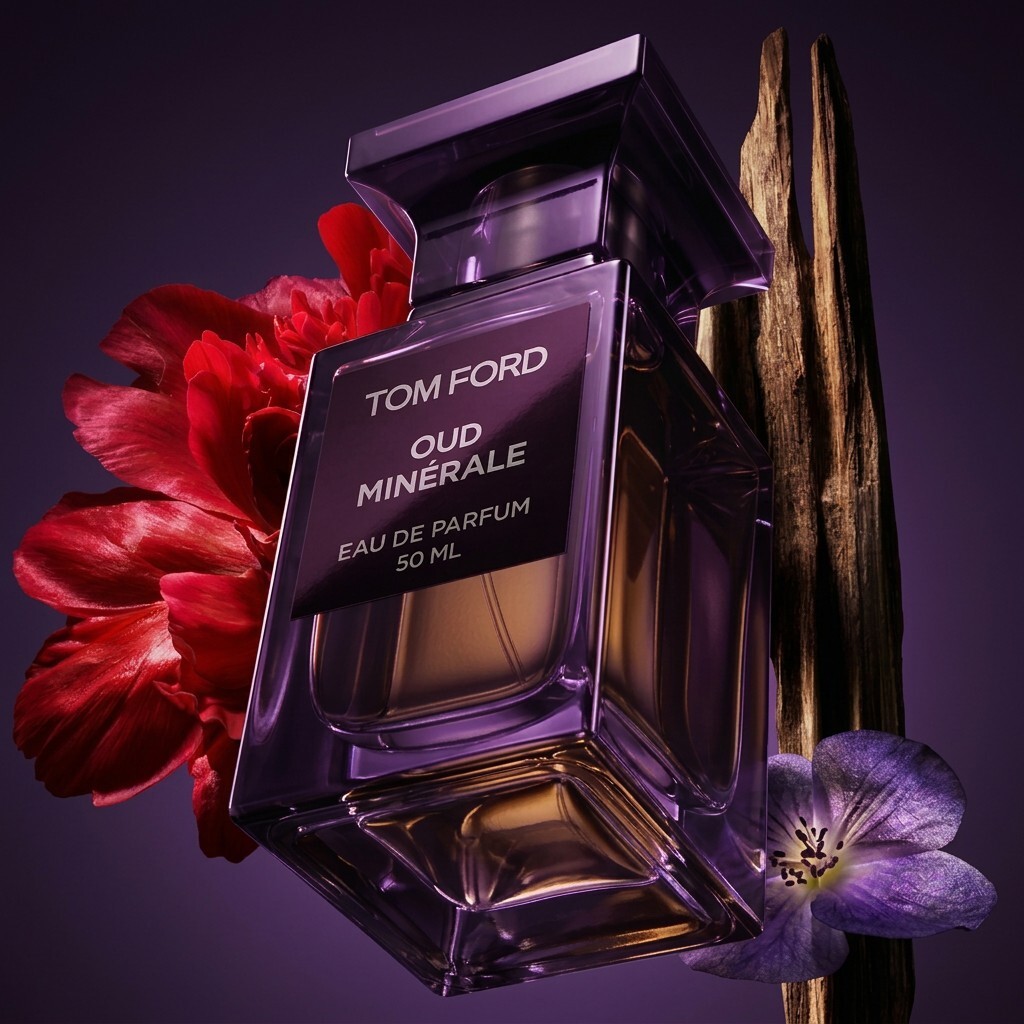
3 — Variant · Low angle (hero)

4 — Variant · Side profile
Stage 4 — Image expansion (before/after)
Extend canvas safely for channel formats and copy-safe layouts.
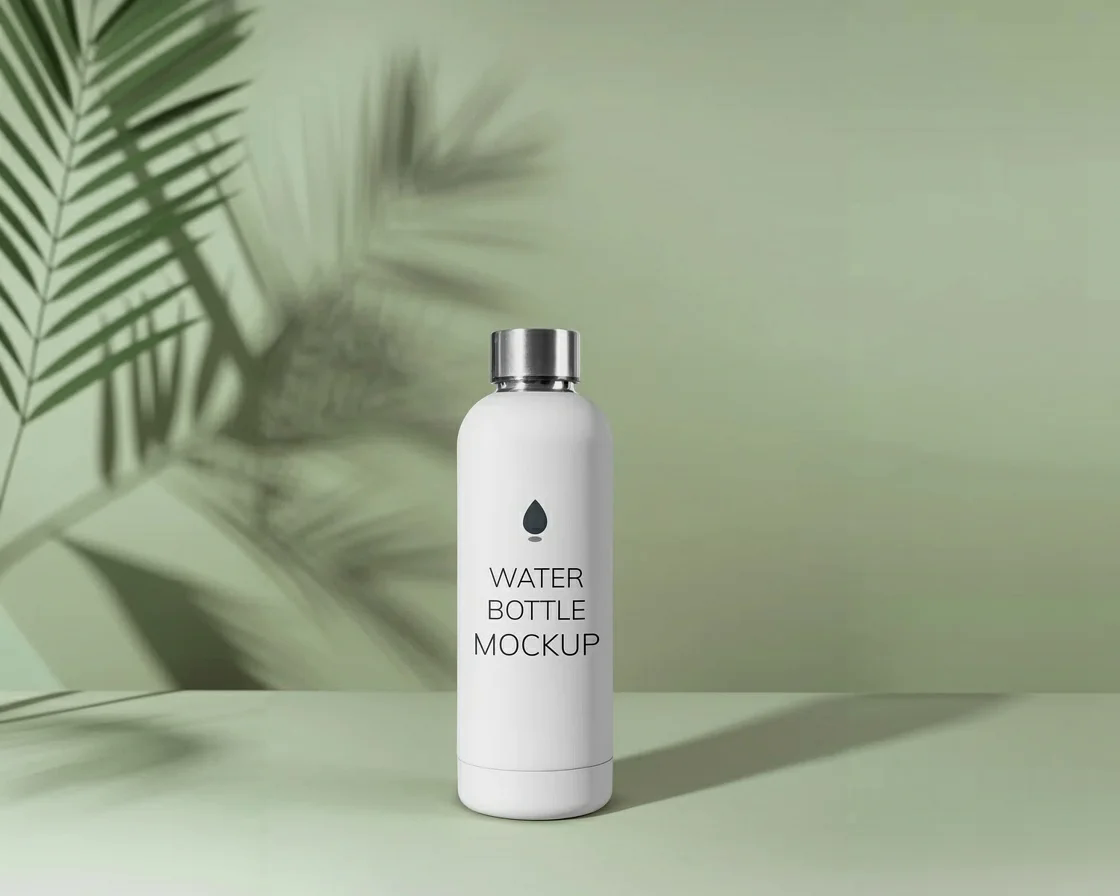
Expansion (outpainting) helps adapt approved product imagery to wider formats. The expanded scene should remain visually coherent with the original lighting, perspective, and product boundaries.
Re-check edges, shadows, and reflections after every expansion.
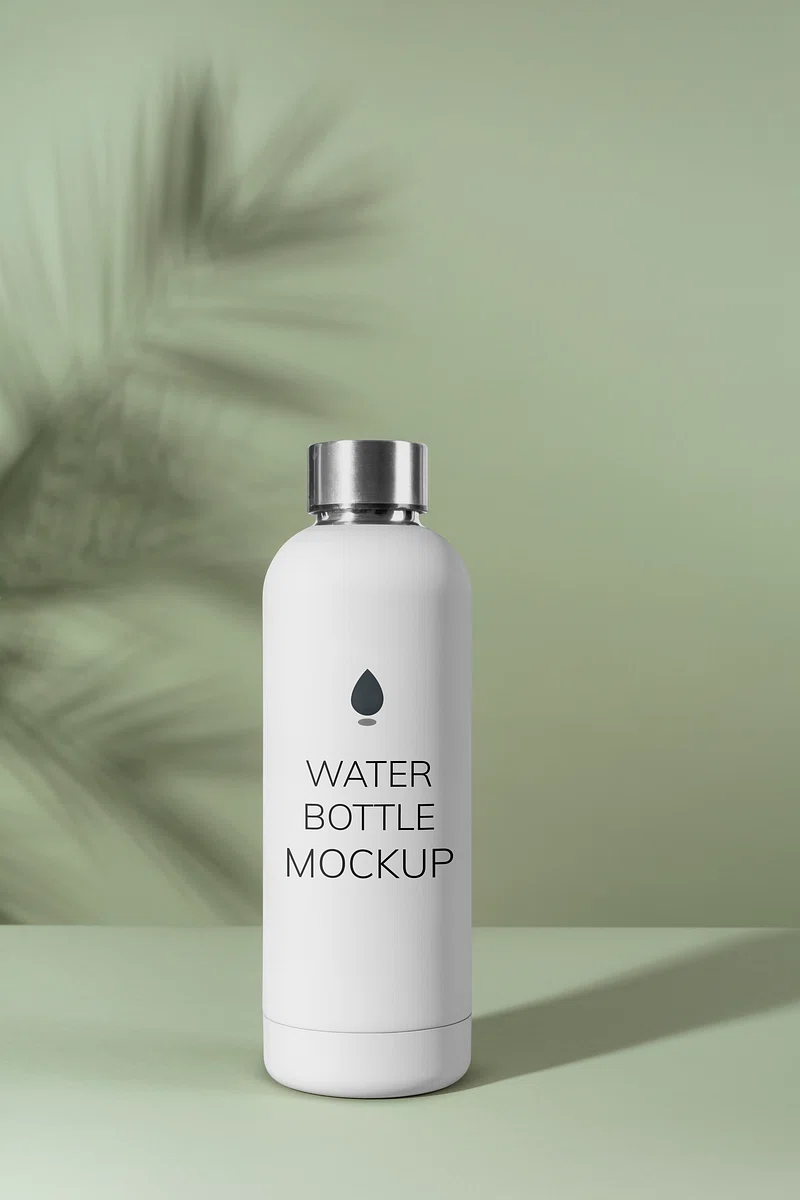
Preserve the supplied product exactly: silhouette, proportions, material, color, logo position, label layout, controls, and included parts. Place it in a clean warm-gray studio environment on a matte surface. Use a soft key light from camera left, subtle fill, a realistic contact shadow, and restrained reflections. Eye-level three-quarter composition, natural perspective, generous negative space on the right for layout. No added text, badges, ingredients, accessories, hands, duplicate products, or altered packaging.
| Task | Useful instruction | Common risk | Review focus |
|---|---|---|---|
| Background removal | Preserve edges, transparency, and contact shadow | Halos, clipped details, floating product | Inspect edges on light and dark backgrounds |
| Retouching | Remove temporary capture defects only | Changing texture or construction | Compare against the untouched source |
| New setting | Specify surface, light, scale cues, and exclusions | Misleading context or added accessories | Product truth and realistic placement |
| New angle | Use multi-view references where available | Invented unseen geometry | Labels, ports, shape, and proportions |
| Canvas expansion | Continue environment with designated copy space | Warped edges or inconsistent shadows | Boundary continuity and final crop |
Prompt for observable photography choices
Replace vague adjectives with direction a reviewer can inspect.
“Premium” is subjective. A prompt becomes more reliable when it describes the evidence of that mood: controlled highlights, a limited palette, precise spacing, a dark stone surface, or soft directional light. Structure prompts around the unchanged product, environment, composition, camera perspective, lighting, palette, and exclusions.
Keep experiments controlled. If you want to learn whether a new background improves the listing, do not simultaneously change the camera angle, crop, lighting, and props. Produce a small contact sheet with one variable changed, select a direction, and then create channel adaptations.
New angles deserve particular caution. A model may create a plausible view without knowing the product's unseen geometry. Use real multi-angle references when possible. If references are incomplete, label the result as a concept and do not use it to prove a feature or construction detail.
Extend the existing product image to a wide 16:9 composition without changing any original product pixels. Continue the current surface, background gradient, lighting direction, shadow softness, and perspective. Create uncluttered copy-safe space on the left. Do not add text, props, extra products, logos, decorative particles, or new reflections. Keep the visual emphasis on the original product.
Create a channel-ready asset system
One approved master can support many formats when adaptations remain intentional.
Plan a master composition with enough resolution and breathing room for square, portrait, landscape, marketplace, email, and display placements. Do not crop mechanically. A portrait social placement may need the product moved visually higher; a marketplace thumbnail may need a tighter scale; a banner may need negative space for copy.
Use consistent file naming that includes SKU, colorway, scene, ratio, version, and approval state. Store prompt, source references, and edit notes with the asset. This makes reproduction and correction possible when a packaging update arrives.
Before release, inspect at full size and at the actual display size. Check color against an approved reference on a managed display where accuracy is critical. Confirm label readability, product count, accessory truth, shadows, reflections, edge quality, and background artifacts. Run marketplace-specific checks for background, framing, and prohibited overlays. Add accurate alt text that describes the product and meaningful context without keyword stuffing.
AI product photography works best as a controlled adaptation layer around trustworthy source material. It can reduce repetitive production work and widen creative options, but the merchant remains responsible for showing what a customer will actually receive.